Brush close to the outline
Cover the complete object, including thin edges, while preserving as much surrounding background as possible.
Remove people, signs, and clutter from photos with AI. Upload and brush first—sign in only when you confirm, and your first successful cleanup is free.
JPG, PNG, WebP, or HEIC · Up to 30 MB · Large photos auto-optimized
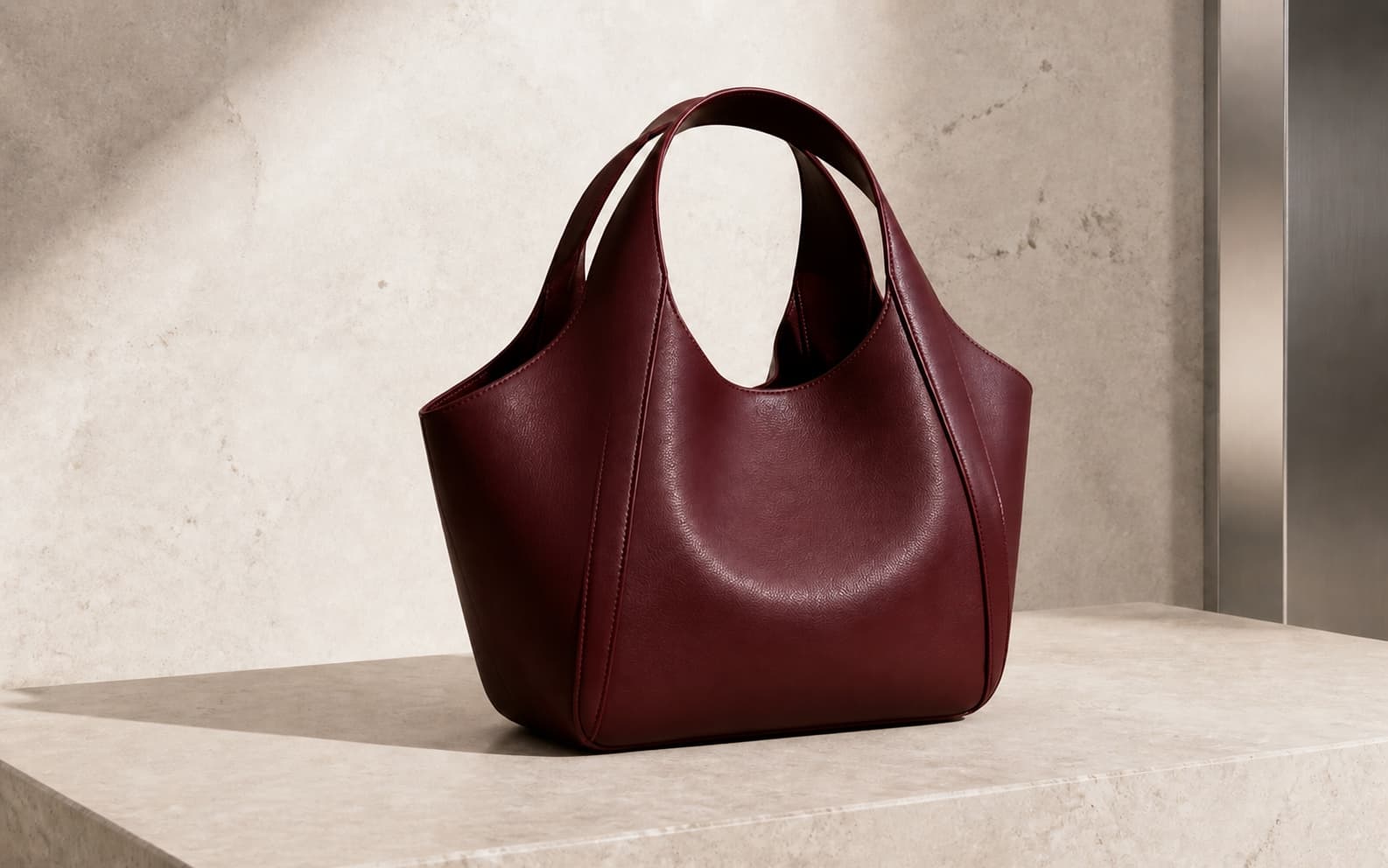 Demo · Before
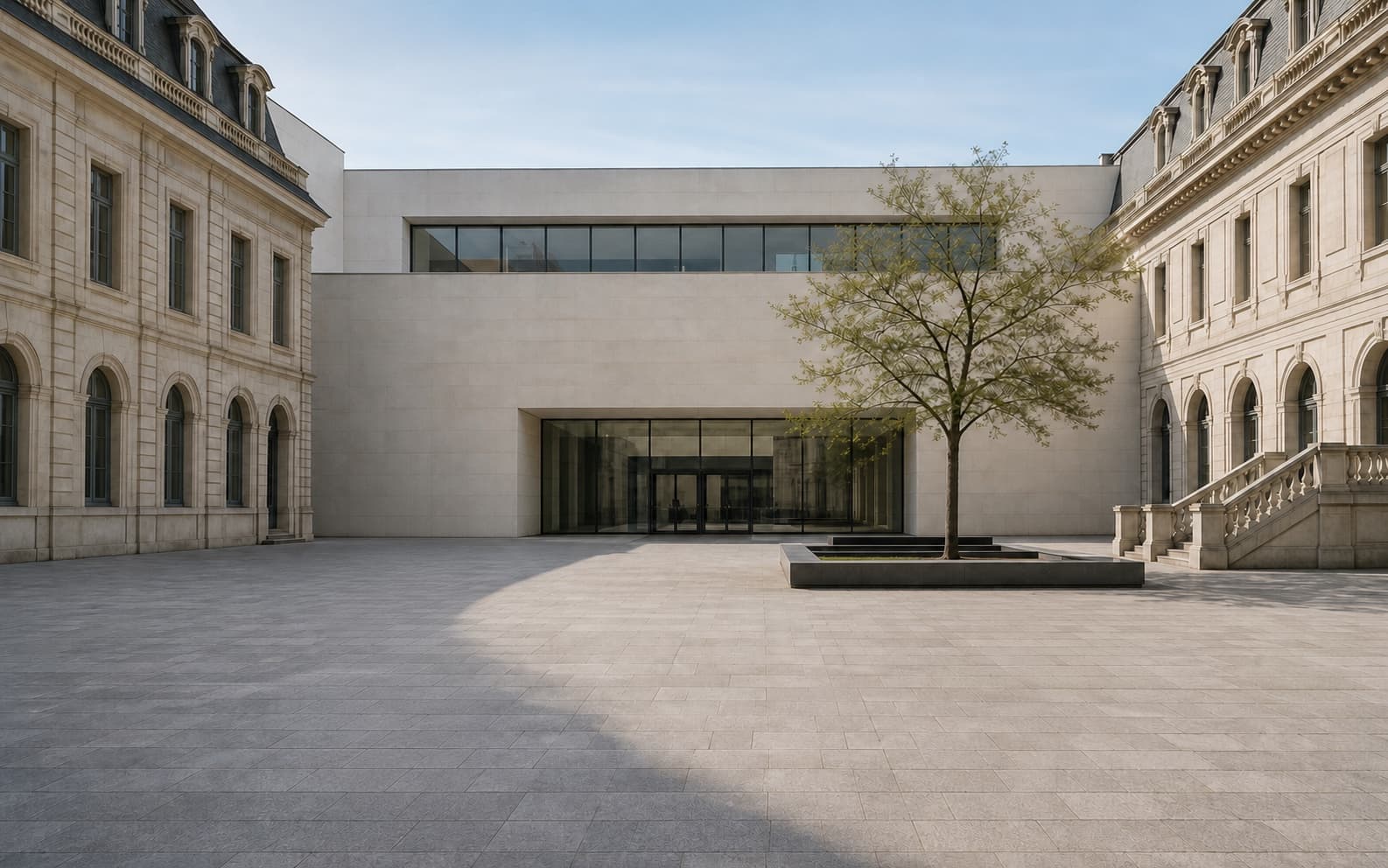 Demo · Before
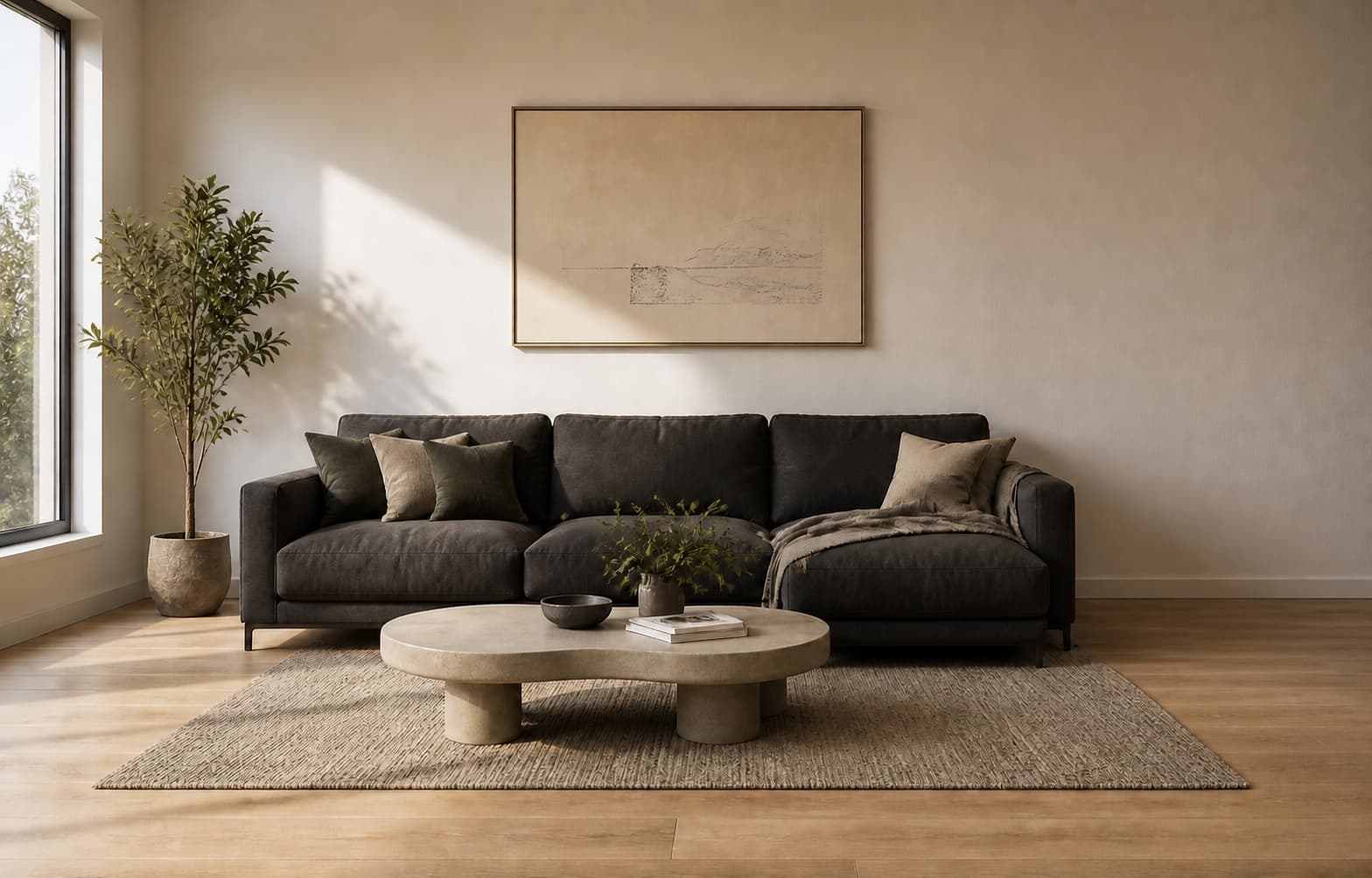 Demo · Before
The editor is already on this page. Upload and brush first; sign in inside the workspace only when you are ready to run the real cleanup.
Step 1
Choose a JPG, PNG, WebP, HEIC, or HEIF image up to 30 MB. The browser prepares a safe working copy.
Step 2
Cover the object and a small amount of its edge. You can clear the mask and adjust the brush before running AI cleanup.
Step 3
Confirm cleanup, compare the result with the original, then download a PNG or brush another area for a second pass.
A precise selection gives the model better context. These small decisions usually matter more than repeatedly enlarging the brush.
Cover the complete object, including thin edges, while preserving as much surrounding background as possible.
If the unwanted object casts a distinct shadow or reflection, remove it in the same pass only when it clearly belongs to that object.
For railings, tiles, foliage, text, or repeating patterns, clean one compact area at a time and inspect the rebuilt lines.
After a successful cleanup, the next brush action starts from that result. This lets you remove separate distractions without returning to the original.
less.pictures is designed for one practical job: remove a visual distraction without making you learn a full photo editor. Each account gets one successful cleanup free, so the offer proves quality without promising unlimited processing.
Brush over people, signs, product tags, boxes, small fixtures, or background clutter. Use only photos you own or are allowed to edit.
The AI studies nearby color, light, texture, and edges to reconstruct the selected area. Results vary when the subject is very large or heavily overlaps another subject.
The workspace uses a 1200 × 760 working canvas and exports PNG. less.pictures does not add its own watermark, but it does not promise original-resolution output.
Before / After
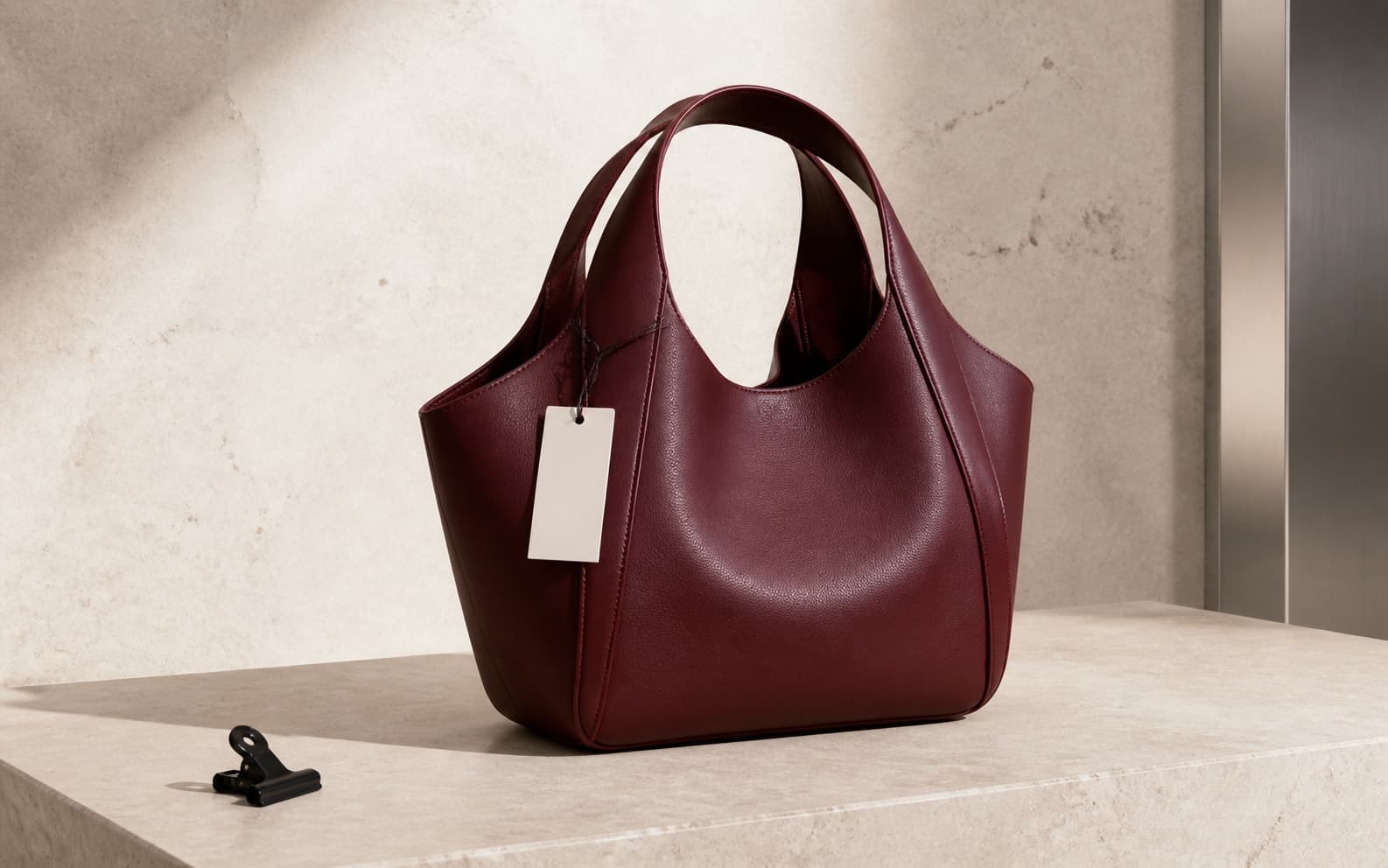
Remove tags, packaging clips, and background clutter.
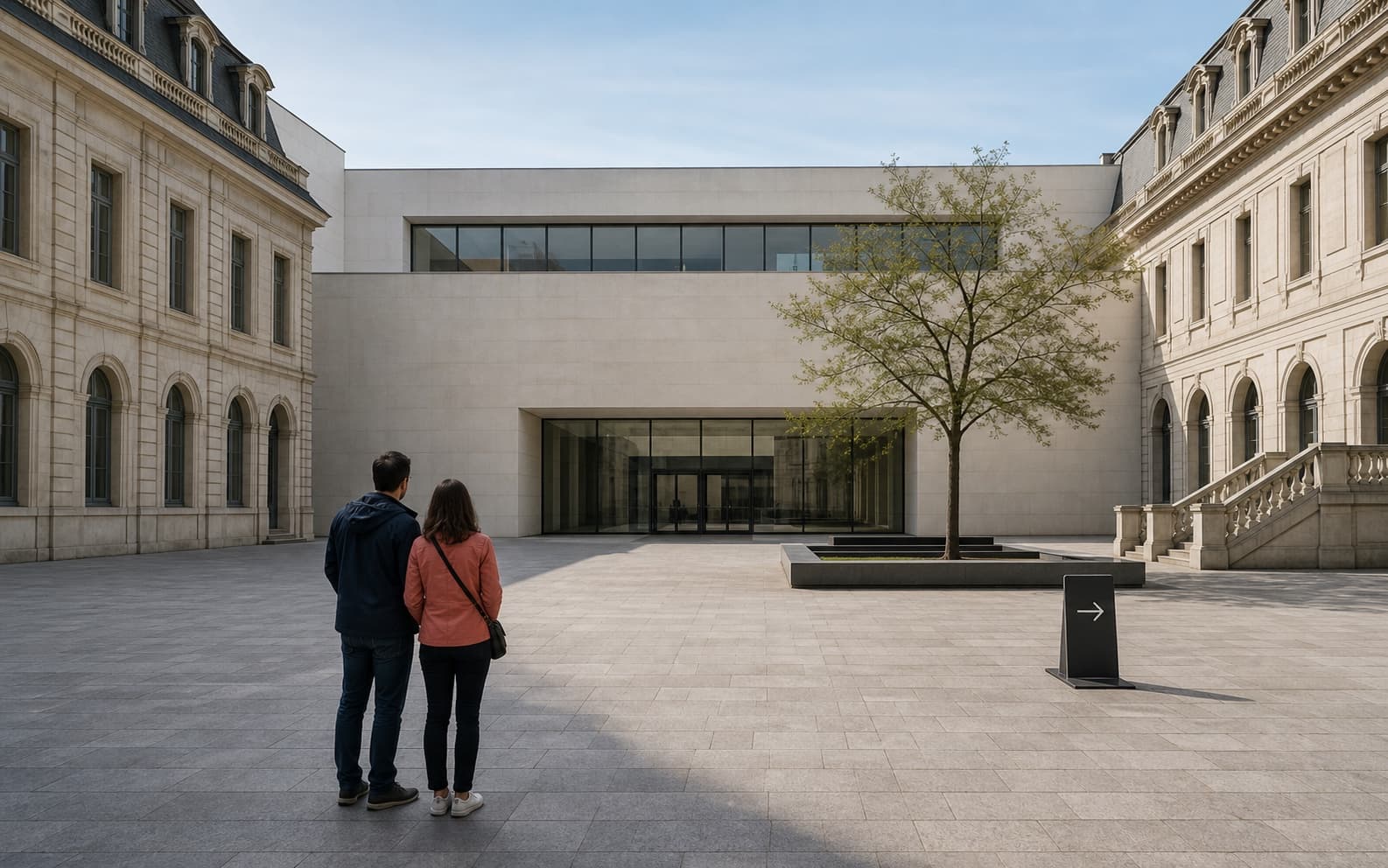
Remove tourists and temporary signs.
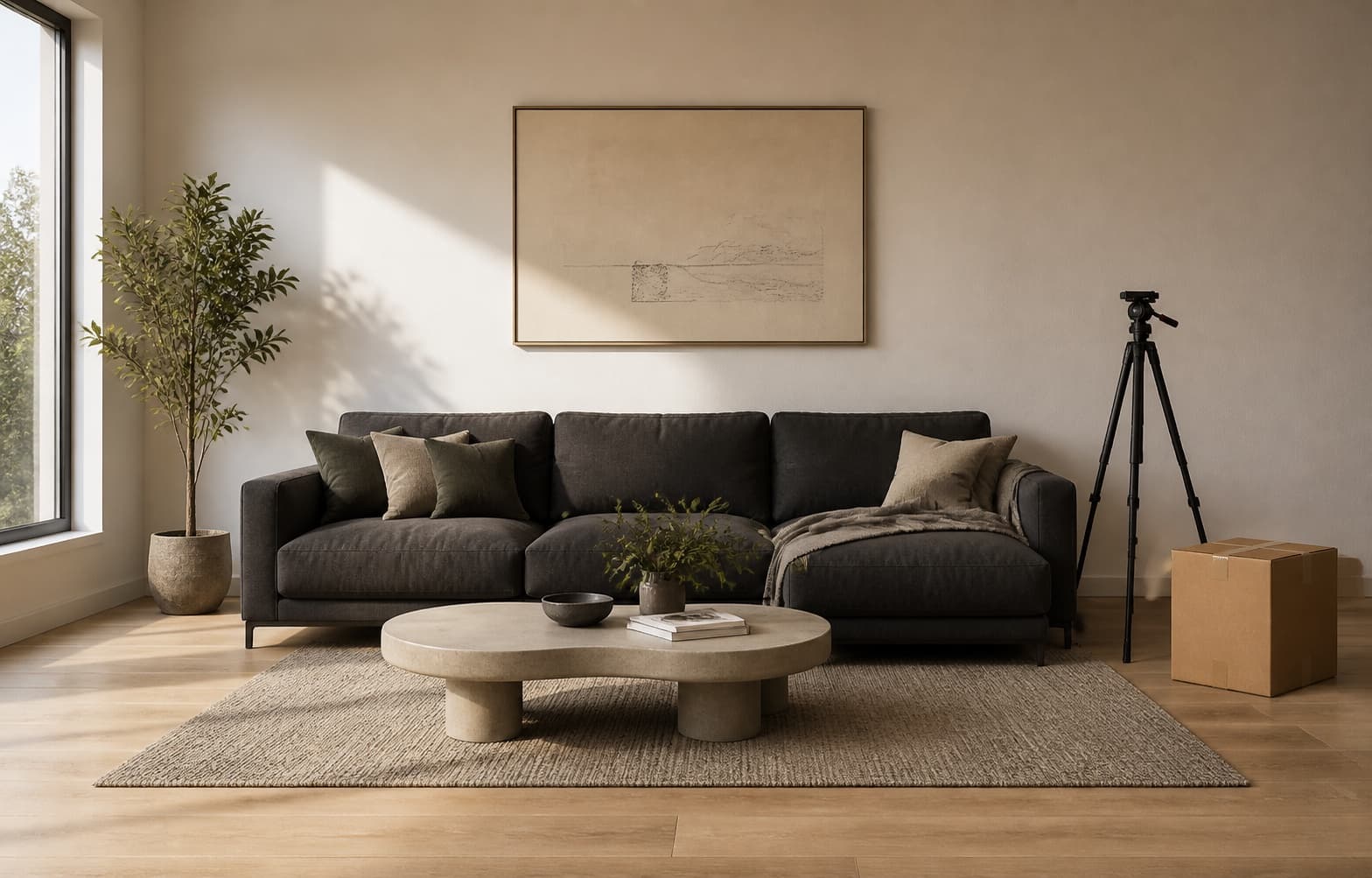
Remove tripods, boxes, and indoor clutter.
Why Pay
After the first cleanup, the next brush action continues from the latest result.
Each account gets one successful cleanup free. After that, only successful cleanups use 20 credits and failures are refunded automatically.
Server-side keys, upload limits, mask limits, and request limits are enabled by default.
Pricing
Free
$0
1 successful cleanup per account
Launch Pack
$4.99
one time · 25 successful cleanups
Studio
$29
monthly · for creators
Security
The browser uploads only a working copy and a mask. The fal.ai key stays on the server. The route validates file type, file size, selected area, and hourly request volume to reduce abuse.
The browser never receives the fal.ai key.
Only workspace-exported PNG images and masks are accepted.
Per-account and source limits protect free uses and credit balances from abuse.
FAQ
Upload a photo, brush over the unwanted object, and confirm cleanup. AI reconstructs the selected area, then you can compare, download, or clean another area.
Yes. You can upload and brush before signing in. When you confirm cleanup, sign in to use the account's one free successful cleanup; failed attempts keep that free use.
No. The downloaded PNG does not include a less.pictures watermark. Only edit photos you own or have permission to modify.
It includes 25 successful object removals. Uploading and brushing do not use the pack, and a failed signed-in cleanup is refunded automatically.
It can remove unwanted objects, people, signs, product tags, boxes, and background clutter. Results vary with object size, overlap, lighting, and background detail.
less.pictures accepts JPG, PNG, WebP, HEIC, and HEIF images up to 30 MB. Large photos are optimized into a safe working copy.
Not currently. The cleanup workspace uses a 1200 × 760 working canvas and downloads a PNG result. It should not be described as original-resolution or HD-preserving.
The tool stays the same; the guidance changes with the difficulty of the scene.